Account creation and login
Sign up
To get started, create your Lumiare account. On the welcome screen, click Sign up below the login form.
You can also sign up quickly with your Google account.

Got an invitation? Join in one click
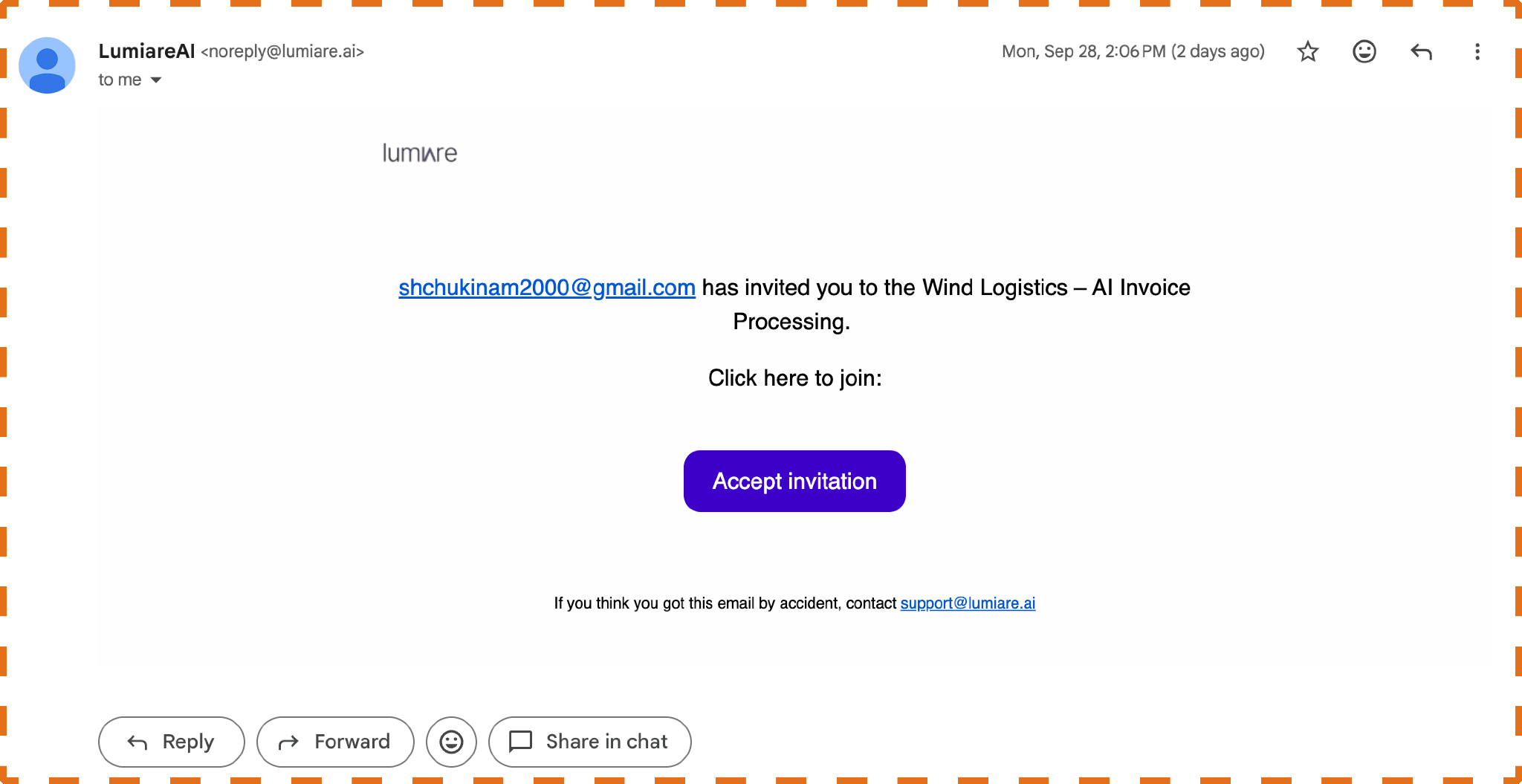
If a team member has invited you to a project, you'll receive an email from Lumiare. Open it and click Accept invitation to create your account and join the project in one step.
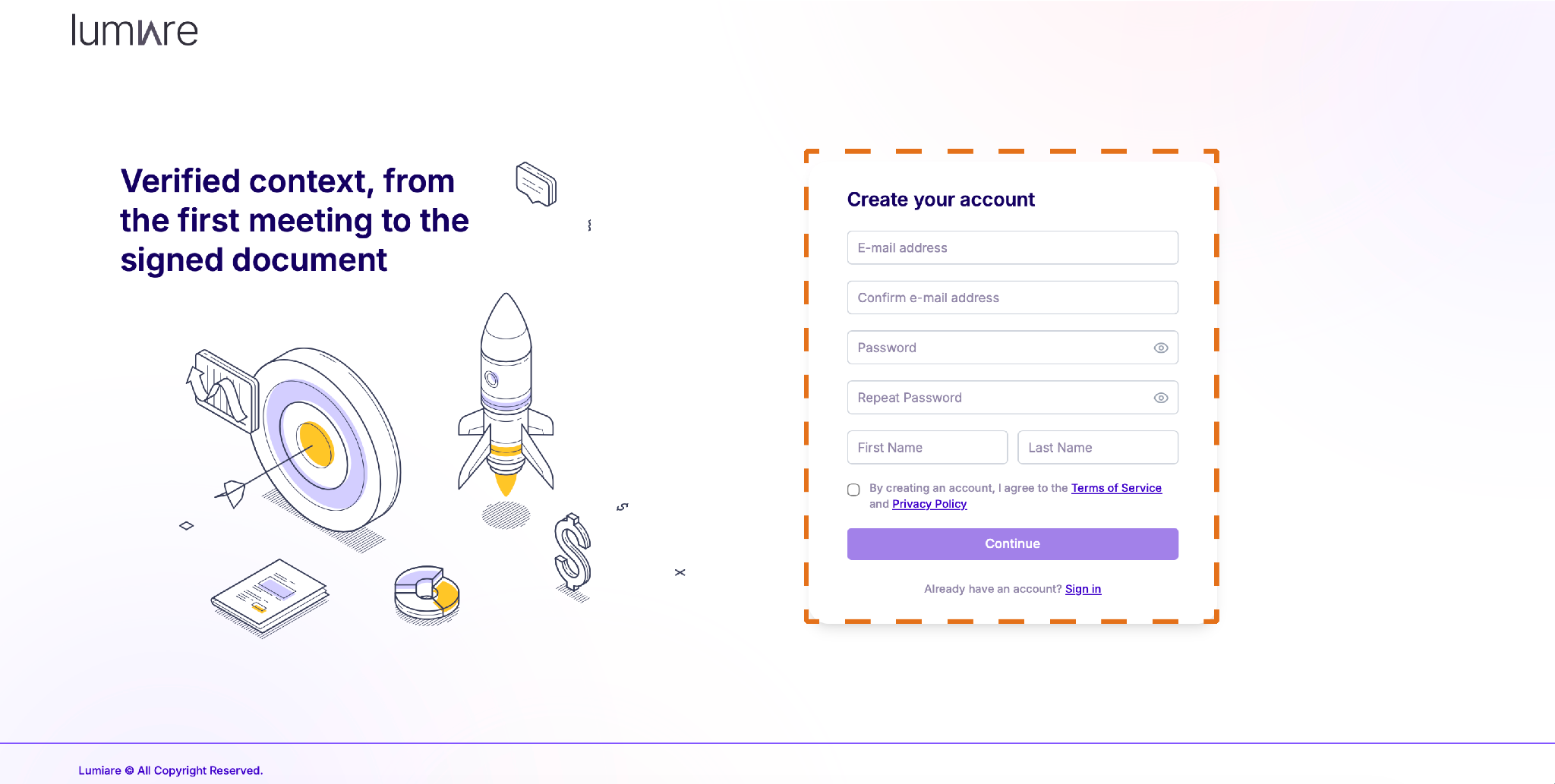
Create your account
Enter your email address and confirm it, then create a password and repeat it. Add your first and last name, tick the box to agree to the Terms of Service and Privacy Policy.
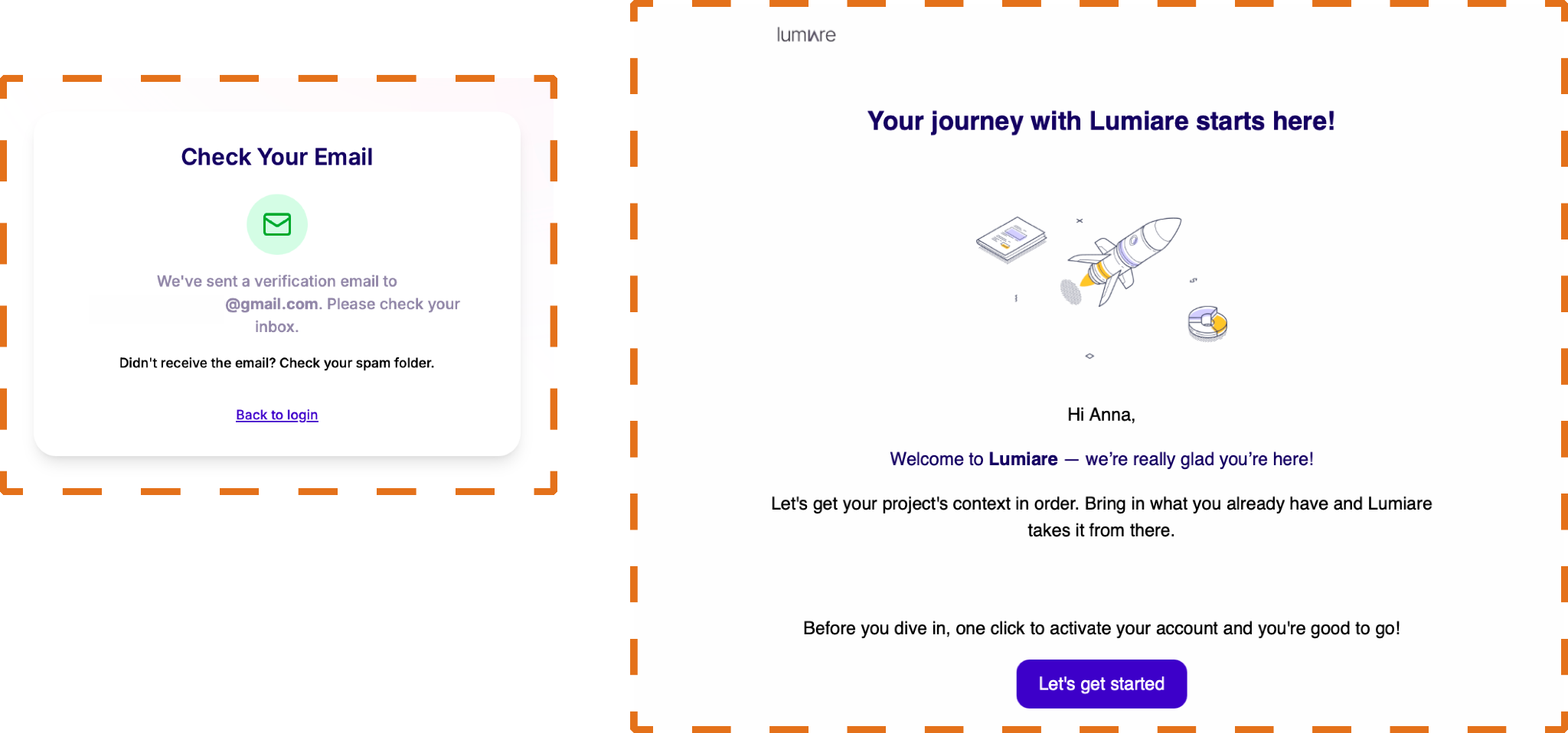
Check your email and follow the link to log in to Lumiare.
Login
Enter the email and password you used during account creation, or log in with Google.

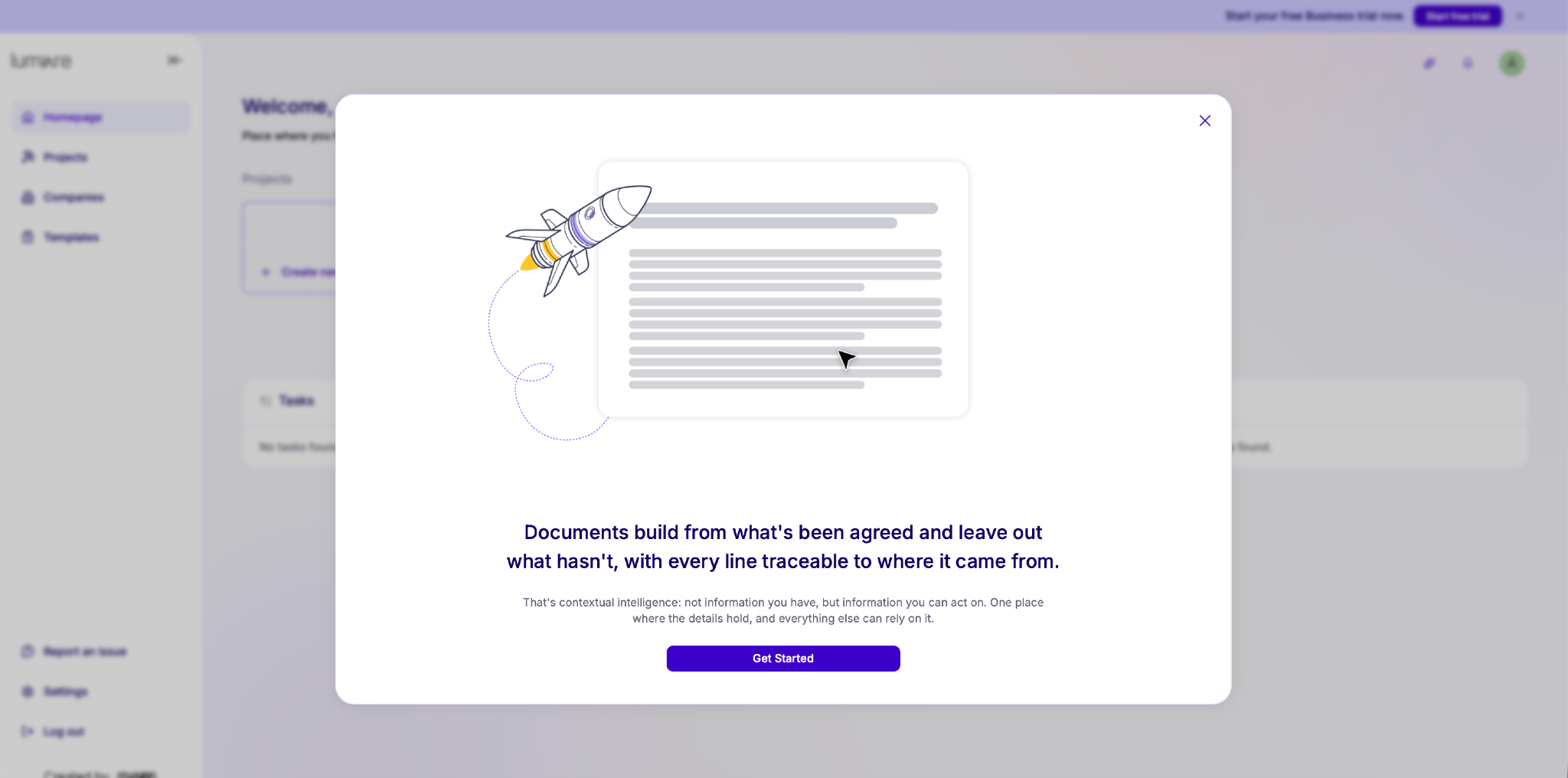
Go through the short onboarding walkthrough to familiarise yourself with the platform and get started.