My account
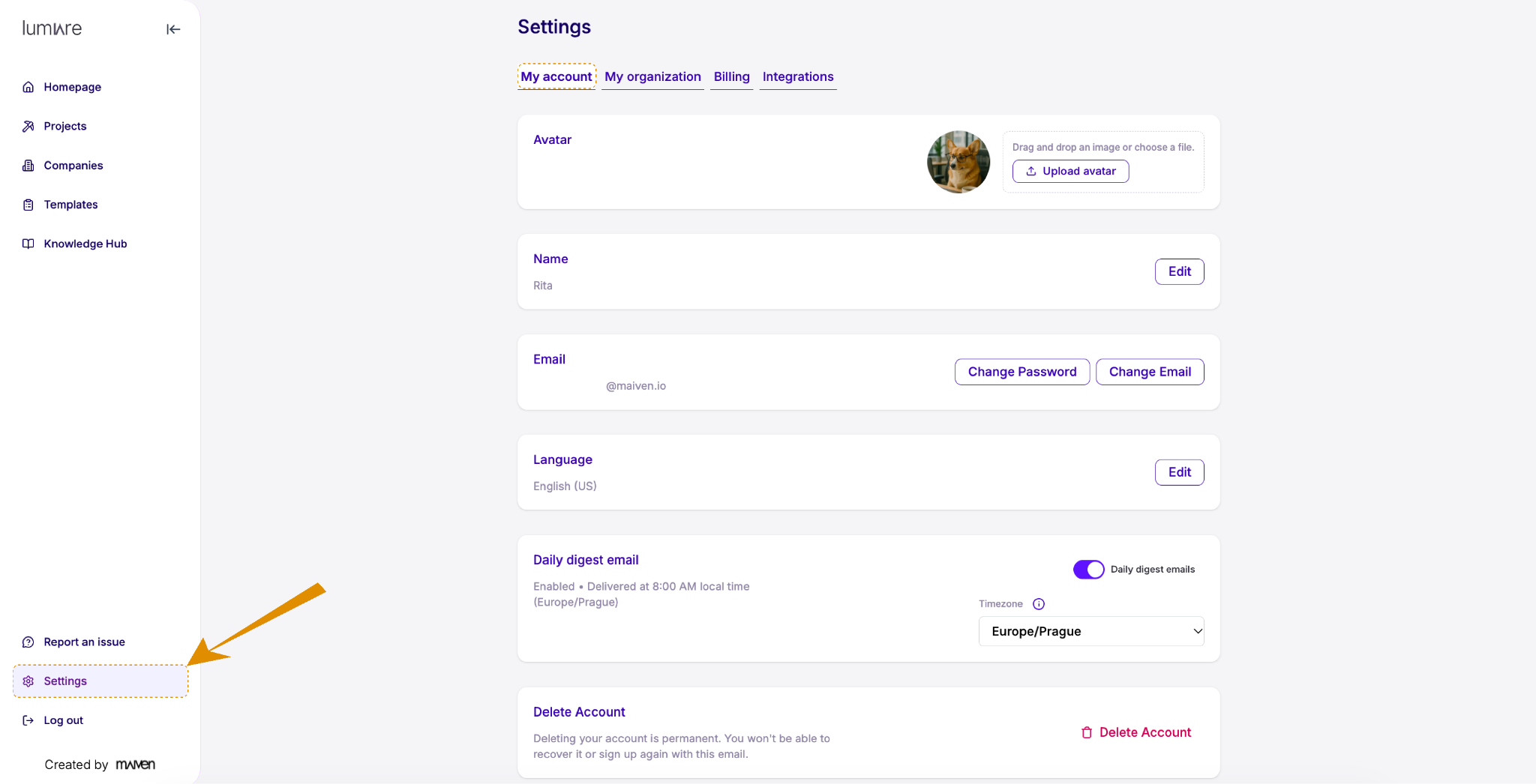
To update your personal details, click Settings in the left sidebar and open the My account tab. Here you can:
Change your avatar: Drag and drop an image, or click Upload avatar to choose a file.
Edit your name: Click Edit next to your name.
Update your login details: Click Change Password or Change Email.
Set your language: Click Edit to choose the language you'd like to use in Lumiare.
Manage your daily digest: Use the toggle to turn the daily digest email on or off. The digest is delivered every morning at 8:00 AM, so choose your timezone to make sure it arrives at the right time.
To permanently delete your account, click Delete Account. Keep in mind that this can't be undone, and you won't be able to sign up again with the same email address.