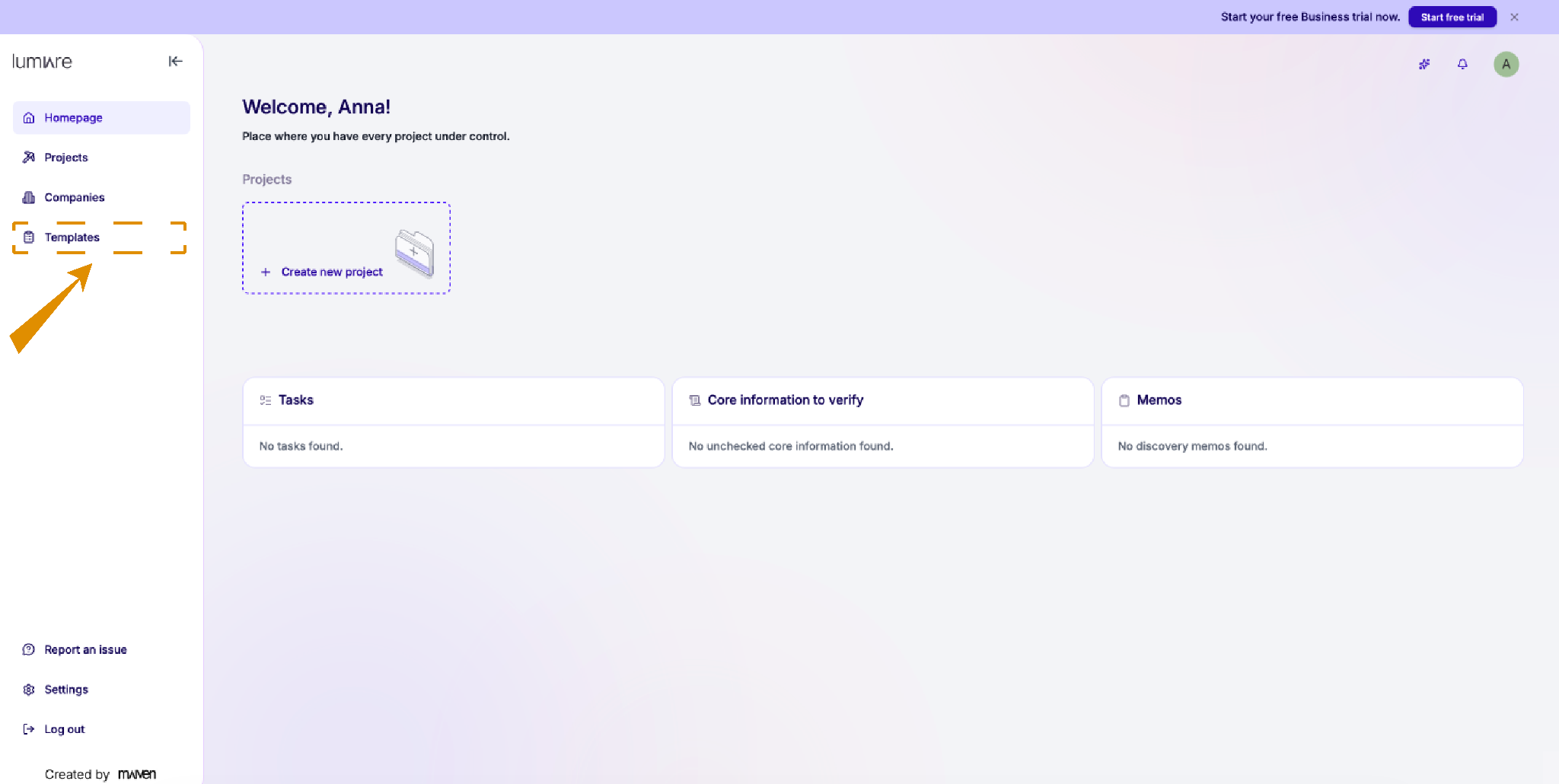
Project templates

Before creating a project, you'll need a template to base it on. A template defines what every project of that type should contain.
When you create a project from a template, all of this is set up for you automatically. Lumiare knows exactly what information to look for in your uploaded files, which gaps to flag, and which documents to prepare, so you can start working right away instead of building every project from scratch.
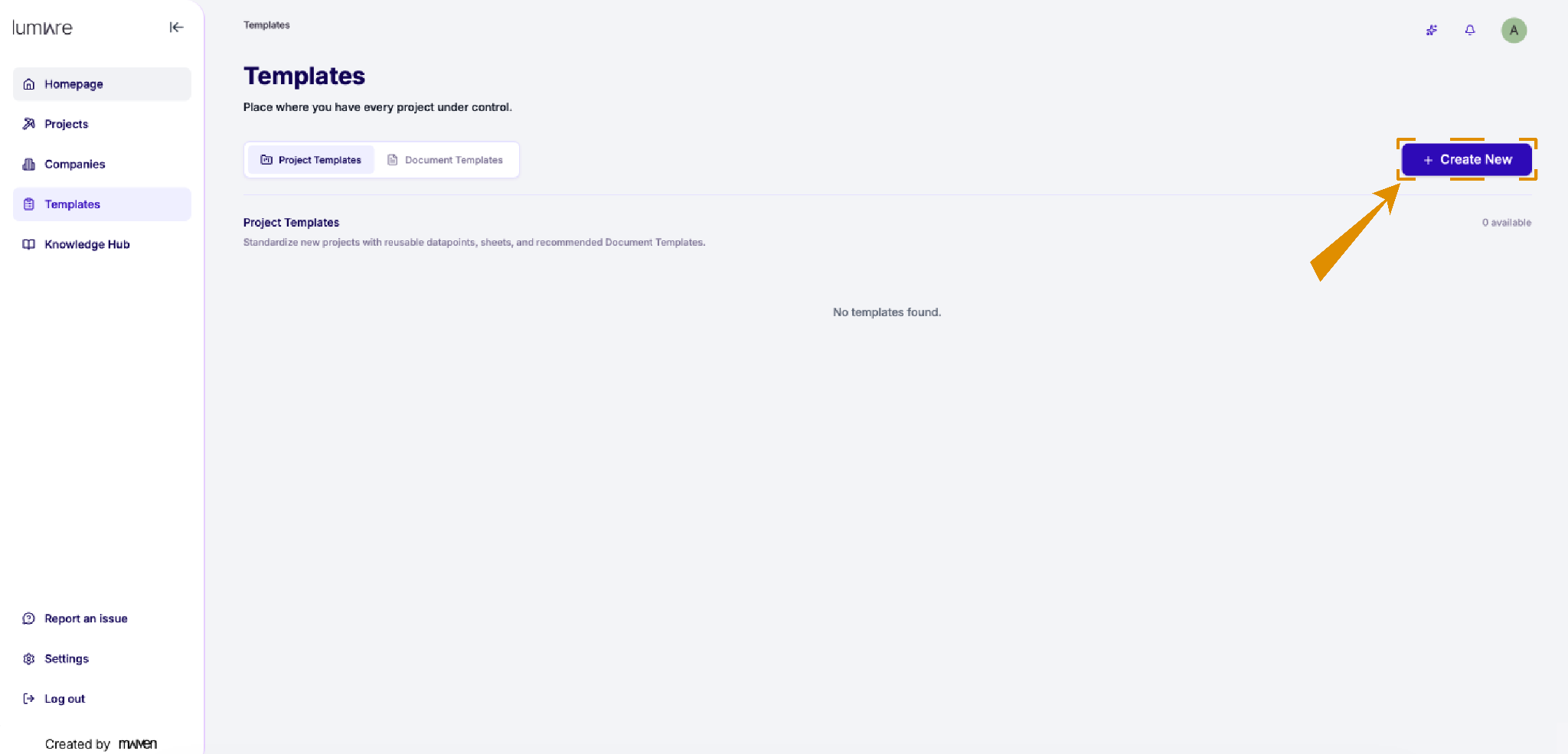
Project Template

Click + Create New in the top-right corner to start a new template.
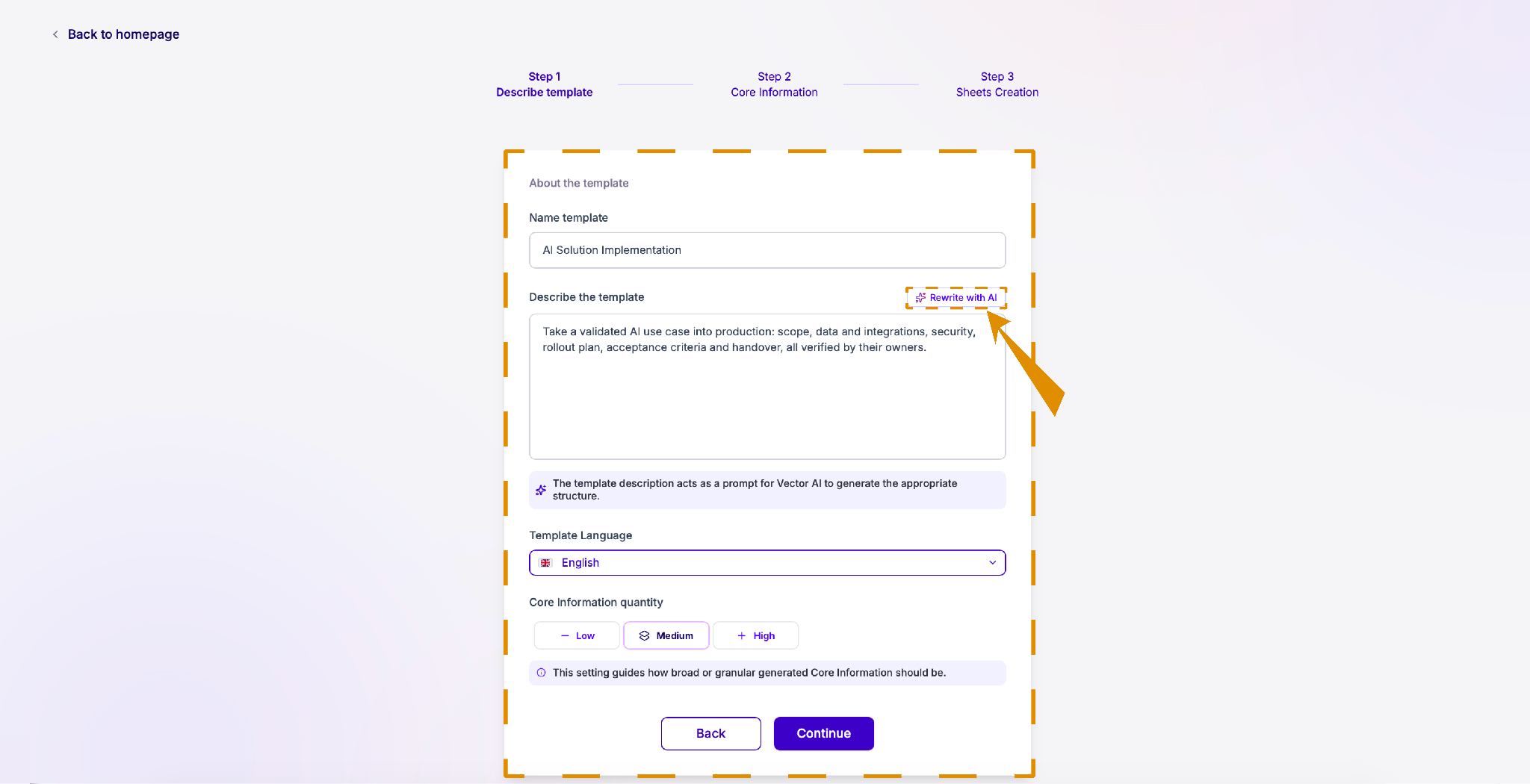
Give your template a clear name and description
The more specific you are, the better the agent can generate the right datapoints for it.

Want a more polished description? Click Rewrite with AI to refine it.
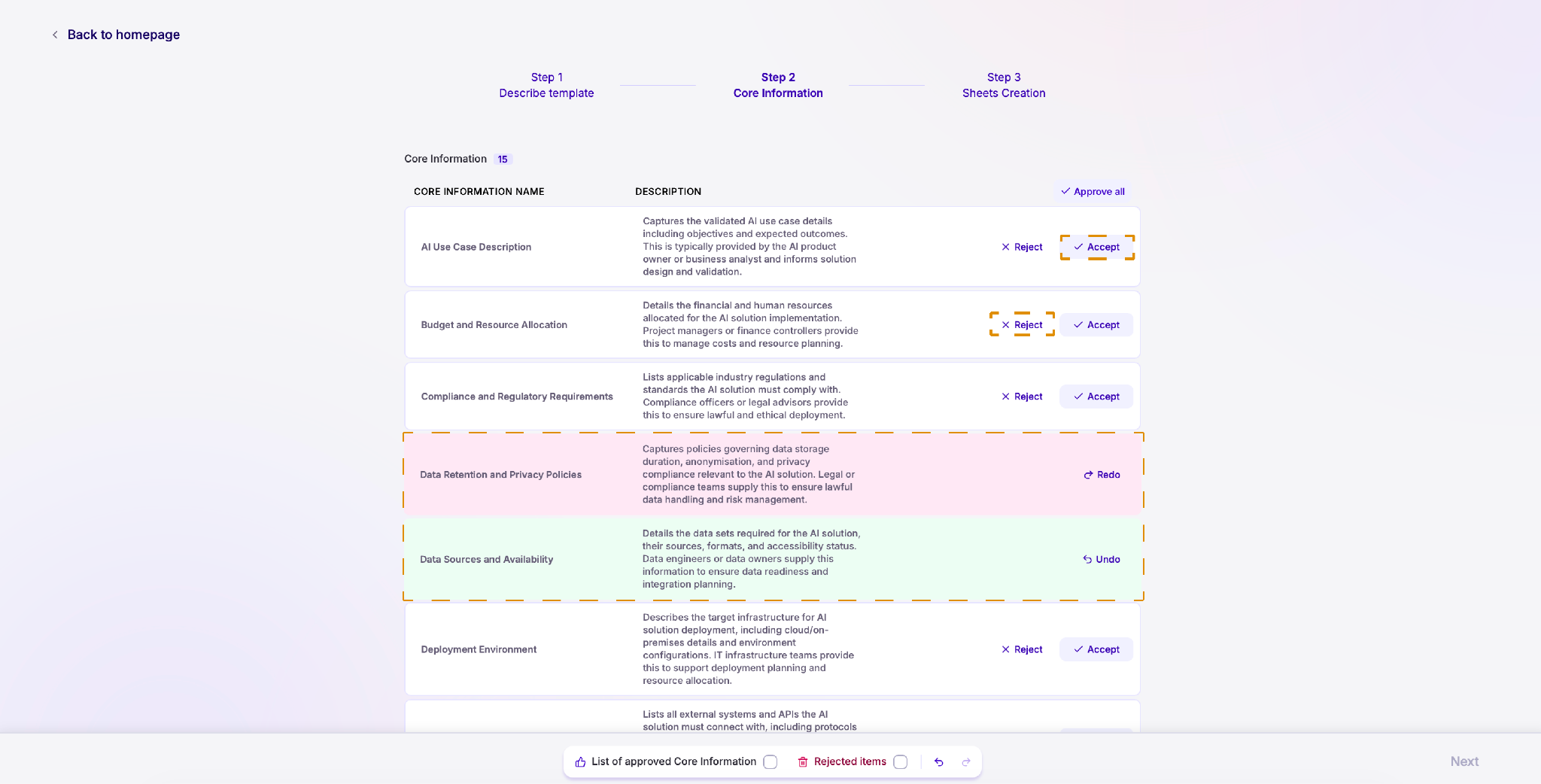
Review the suggested datapoints
Based on your description, AI will suggest a set of datapoints for your template.
Review each one and click Accept to keep it or Reject to remove it.
Create Sheets for template

Create the sheets you need for your template OR skip this step if you don't need any for now. Every time you use the template in a project, those sheets will be included automatically.
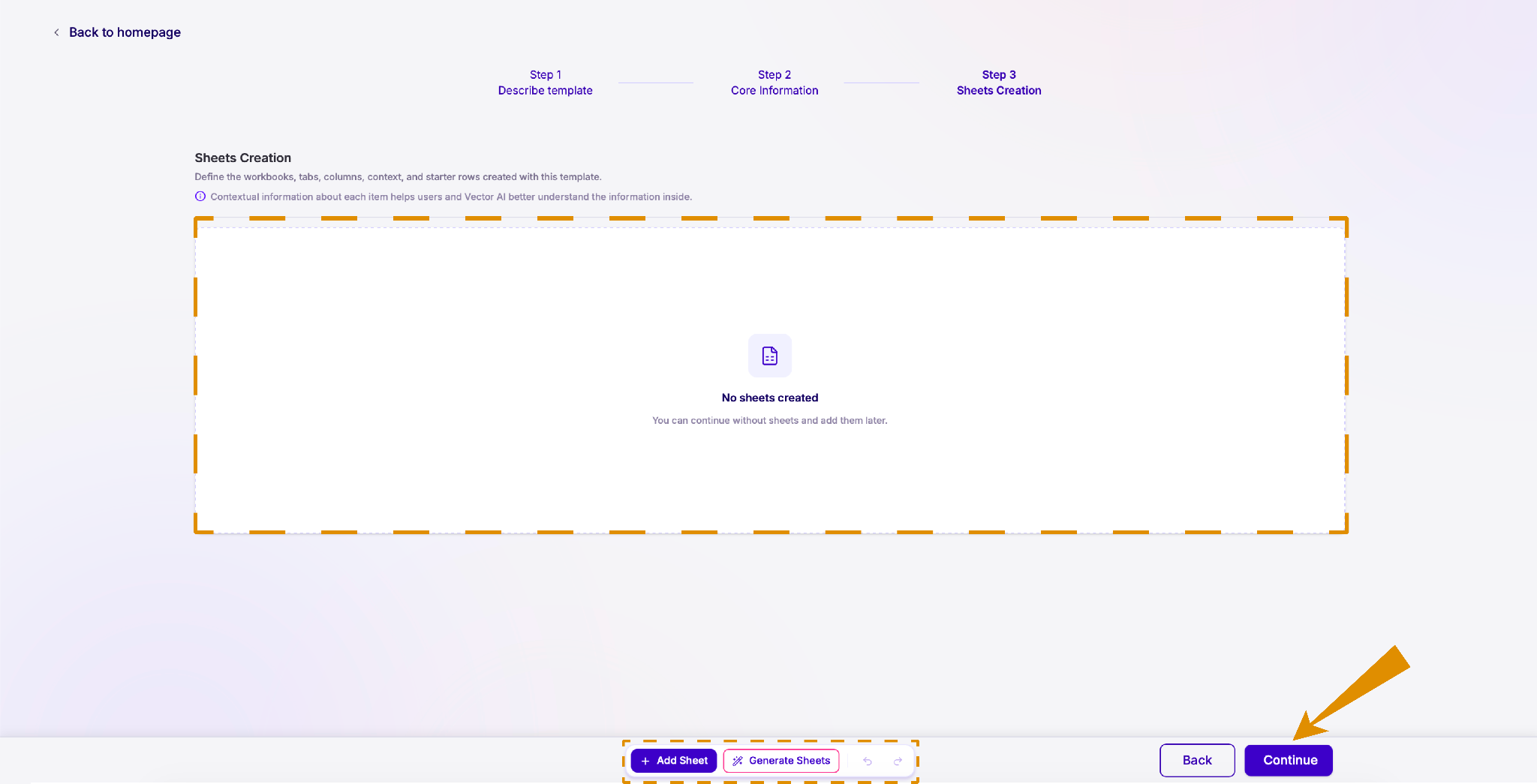
Add a sheet manually.
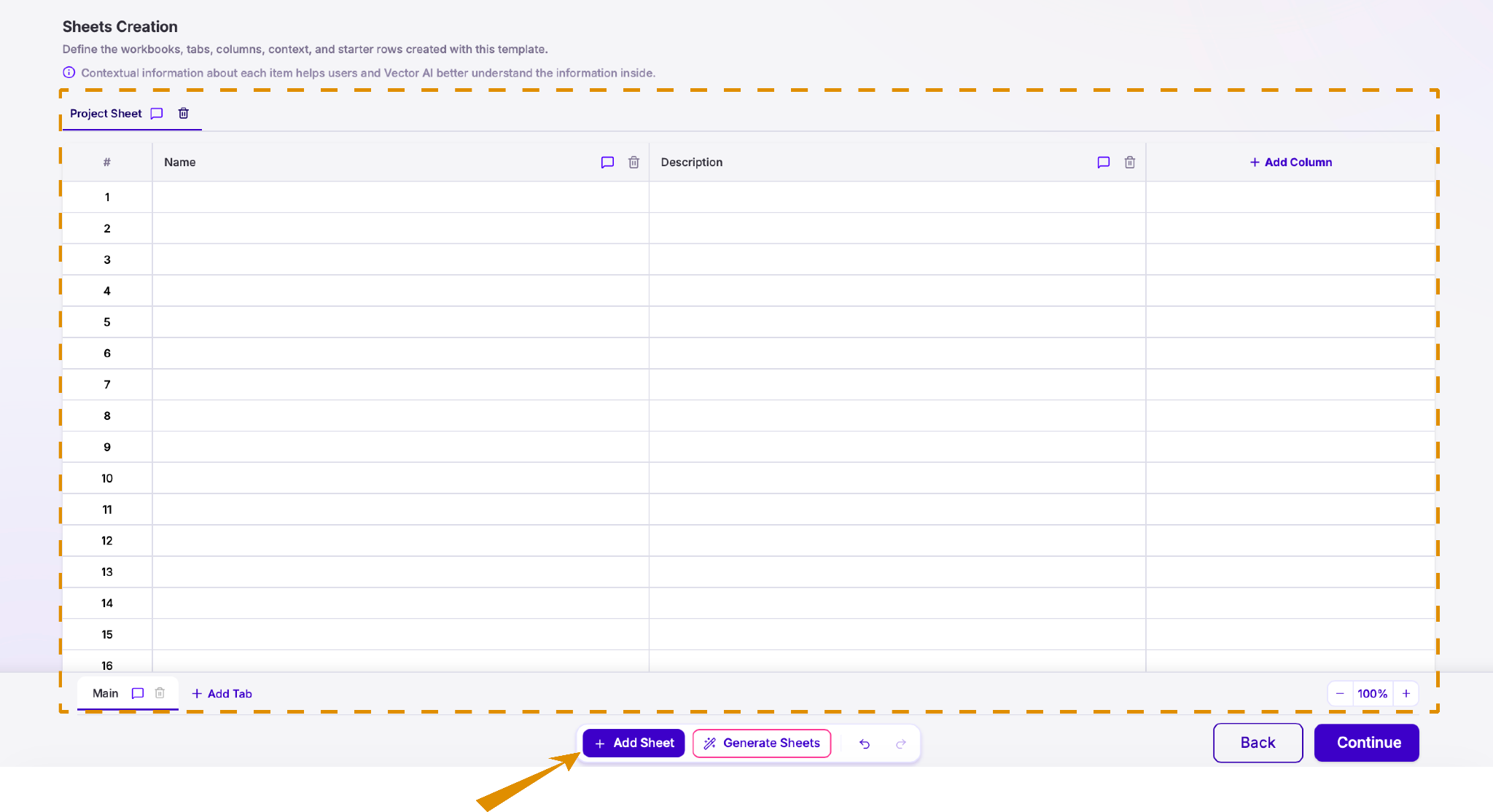
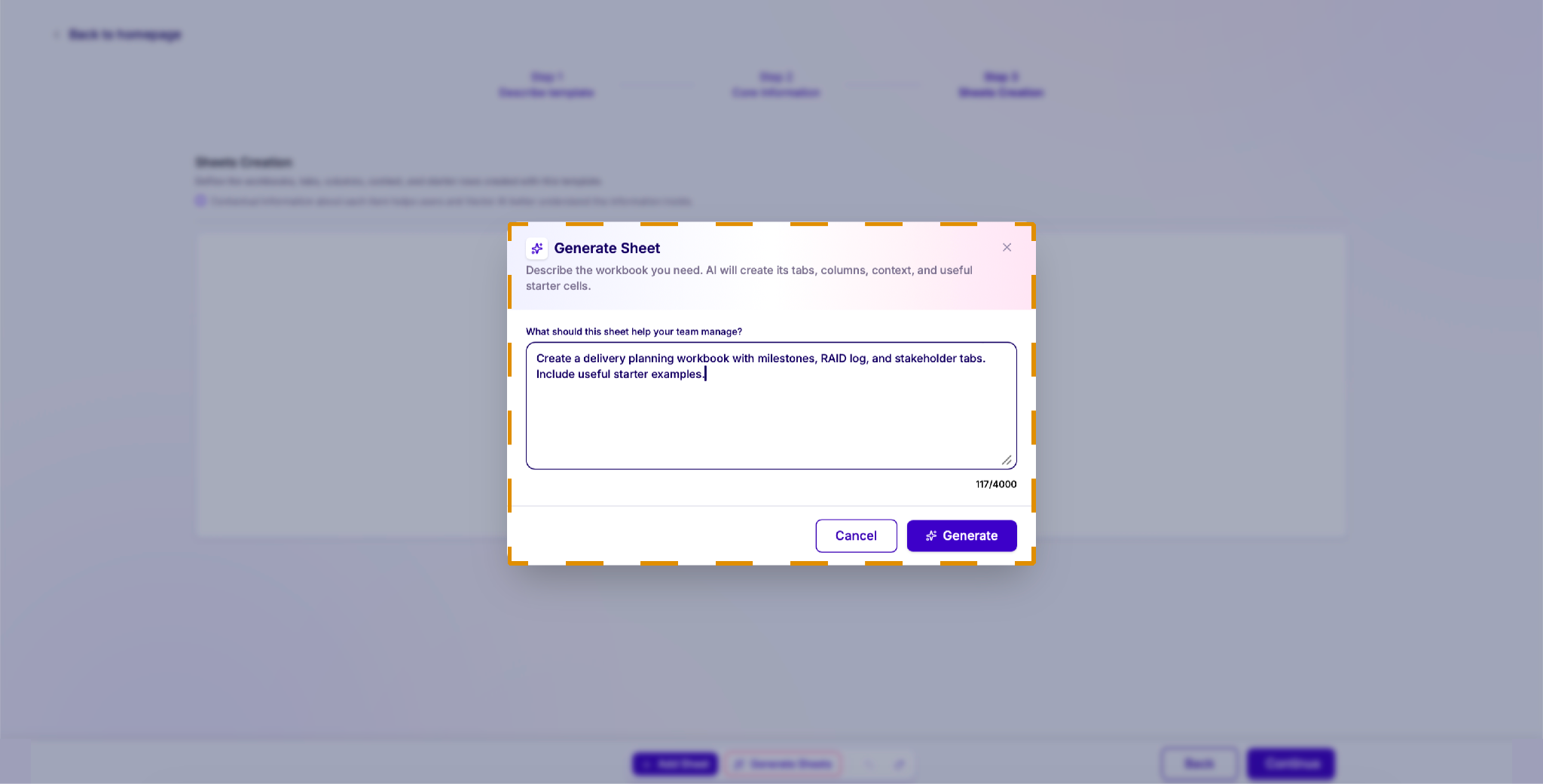
Alternatively, describe what the sheet should contain and let the AI agent generate it for you.