Integrations
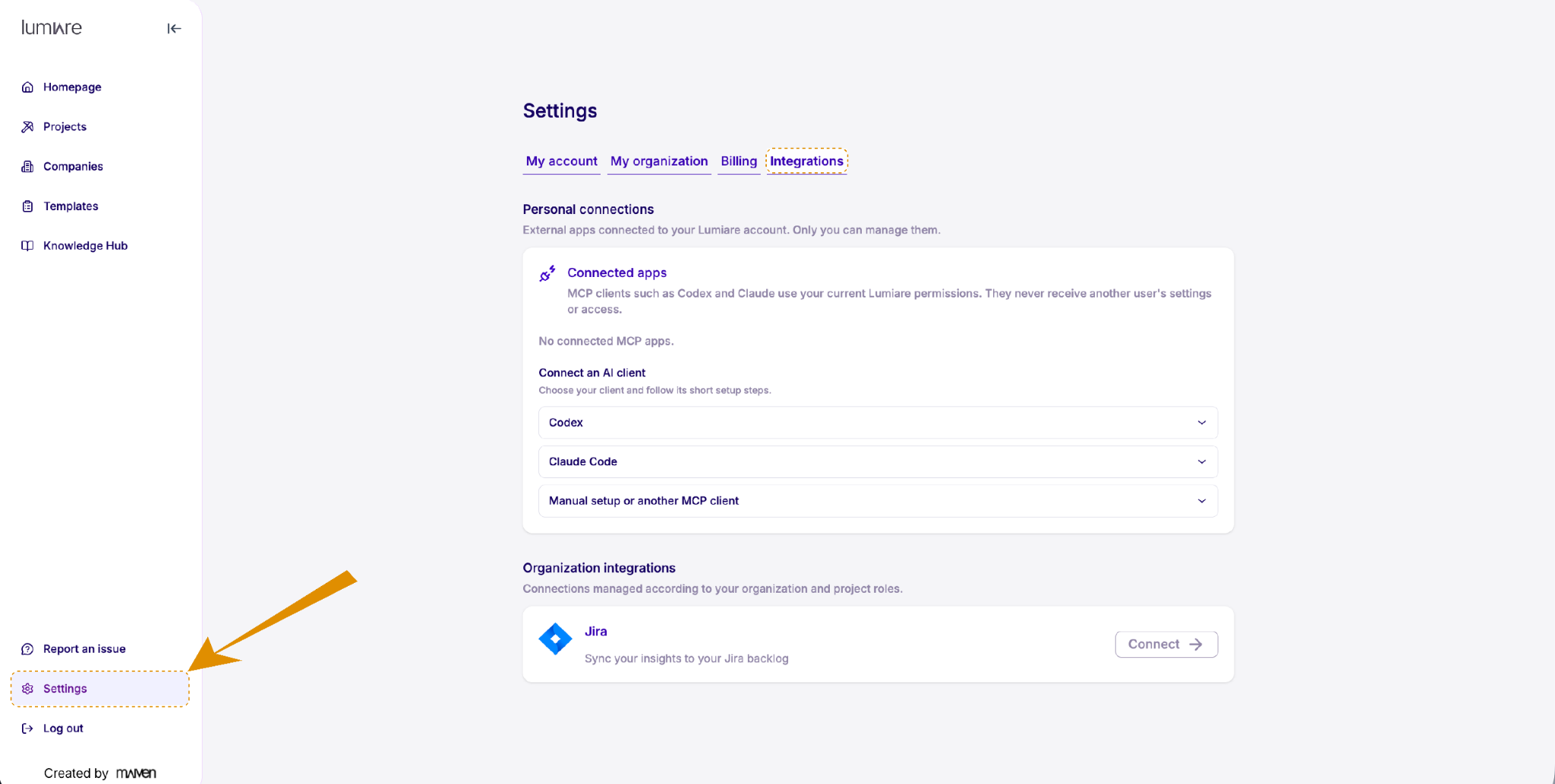
To connect Lumiare with other tools, open the Integrations tab.
Personal connections: Connect AI clients, such as Codex or Claude Code, to your Lumiare account. Once connected, you can work with your Lumiare projects directly from these tools. They connect through MCP (Model Context Protocol), a standard way for AI tools to access data from other apps. Connected apps only get the same access you have in Lumiare, and only you can manage them.
To connect a client, open Codex, Claude Code, or Manual setup or another MCP client and follow the short setup steps. Your connected apps are listed under Connected apps.
Organization integration: Connect Lumiare with tools your whole organization uses. For example, click Connect next to Jira to sync your project insights to your Jira backlog. Who can set up these integrations depends on your organization and project roles.
You're all set!